
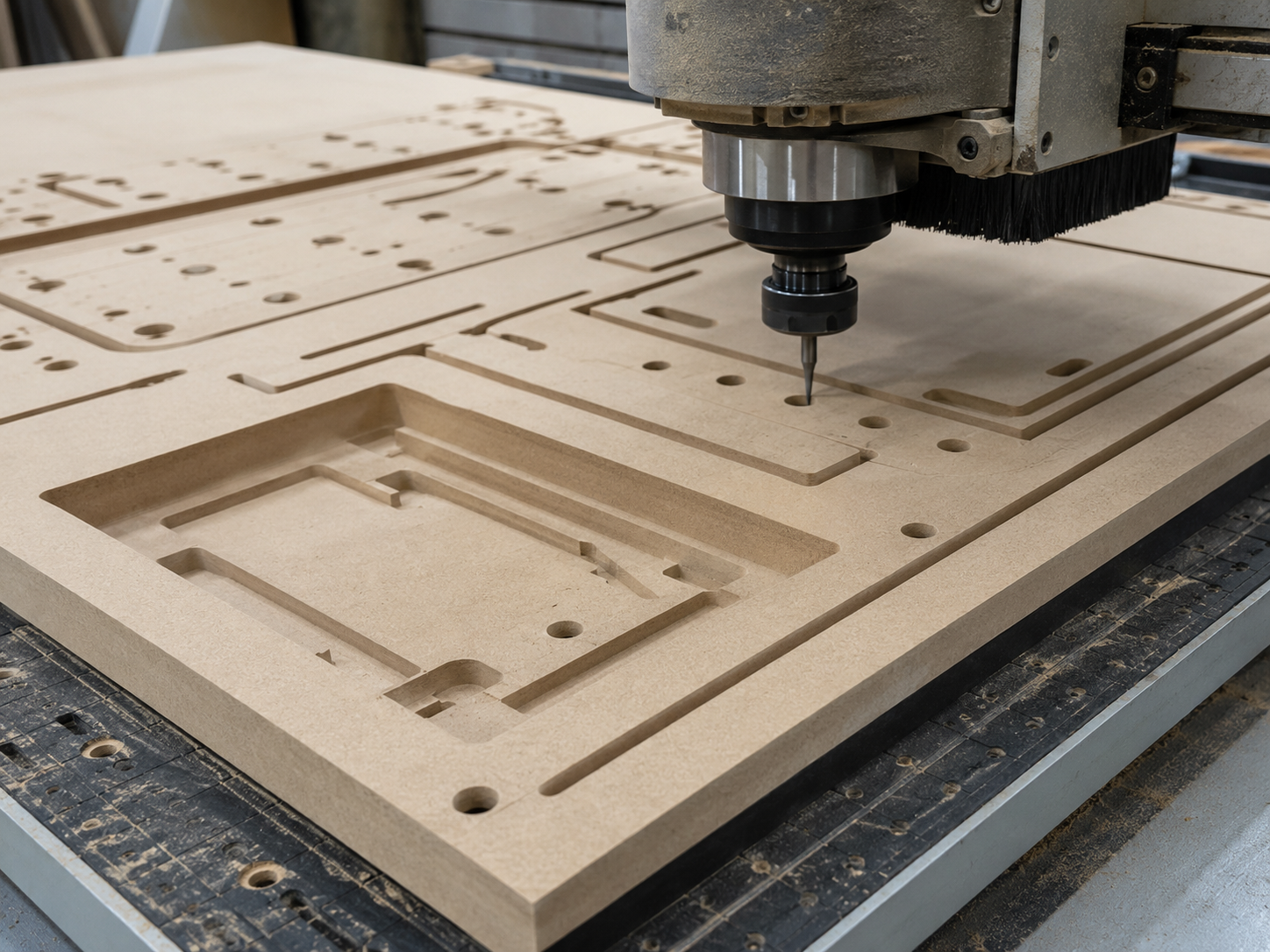
READY FOR CUTTING
CNC Cutting from
Supplied CAD Files
Already have the parts drawn in CAD? Send the files with the material, thickness, quantities and machining details for CNC cutting from our Williamstown North workshop.
We review the geometry, clarify anything required, prepare the CAM and toolpaths, and quote the work before production.



This pathway is for projects where the finished part shapes, main dimensions, material and quantities have already been decided. The files do not need to contain CNC toolpaths, but they should clearly show the parts to be produced and identify any pockets, rebates, holes or different machining depths.
Every file is checked before production. Clean geometry makes quoting and setup faster, but no file is loaded straight onto the machine without review.
What makes a project ready for CNC cutting
Parts drawn
The required parts have been drawn at the correct size with their finished shapes and main dimensions decided.
Material decided
The material, nominal thickness and any important face or grain direction are known.

Quantities known
The number required of each different part is known, along with whether future production batches are likely.
Machining identified
The through-cuts, pockets, rebates, holes, engraving or other machining operations can be identified.
What to send with your CAD files for a quote
Send the best available production files together with the information needed to understand and quote the CNC work. A marked-up PDF can also be useful for showing machining depths, orientation, quantities or other instructions.
CAD files - Supply the geometry that defines the finished parts.
Material and thickness - Include the material type, grade and nominal thickness where known.
Part quantities - List the quantity required of each different component.
Machining details - Identify through-cuts, pockets, rebates, holes, engraving and different machining depths.
Orientation requirements - Mark any grain direction, face orientation or matching parts that matter.
Timing and repeat potential - Include the required date and whether the parts may be reordered later.
CNC cutting file types
Accepted file types for CNC cutting;
2D files accepted - DXF preferred, plus DWG, AI, SVG and EPS
3D files accepted - STEP or STP preferred, plus 3DM
Not accepted as production files - STL, OBJ, JPG, PNG and TIFF


DXF is usually the best starting point for flat CNC-cut parts. We can also review DWG, AI, SVG and EPS files where they contain clean vector geometry at full size.
For 3D CAD work, STEP or STP is preferred, with 3DM also suitable in some cases.
STL and OBJ are not accepted as production files. JPG, PNG and TIFF images may be used as references only and require separately quoted CAD work before CNC cutting. A marked-up PDF can also be supplied to explain dimensions, quantities or machining details.
From supplied CAD files to CNC-machined parts
Every job still requires file review, programming and production setup. We do not simply open the file and press start.


File review
We check scale, geometry, quantities, material and machining instructions.

Clarification and quote
We identify anything unclear, including file work, tooling, material, workholding or test-cut requirements.

CAM, nesting and setup
Once approved, we prepare the nesting, toolpaths, cutters and workholding needed for the job.

CNC cutting and checking
The parts are machined, checked and prepared for collection or agreed delivery.
Ready for cutting or likely to need file assistance?
Generally ready for CNC cutting
Finished part shapes have been decided.
Geometry is drawn at the correct size.
Material, thickness and quantities are known.
Pockets, rebates and machining depths are identified.
Important grain or face directions are marked.
The file can be understood without redesigning the product.
Likely to need CAD or file assistance
The project only exists as a photograph or sketch.
Shapes need to be traced from an image.
Geometry is open, duplicated or unclear.
Dimensions or finished forms are still undecided.
Joint details, fits or tolerances still need development.
Parts require substantial redrawing or production development.
If a file needs repair, conversion, redrawing or production development, the project can still be reviewed. That work is quoted separately rather than being absorbed into the CNC cutting price.
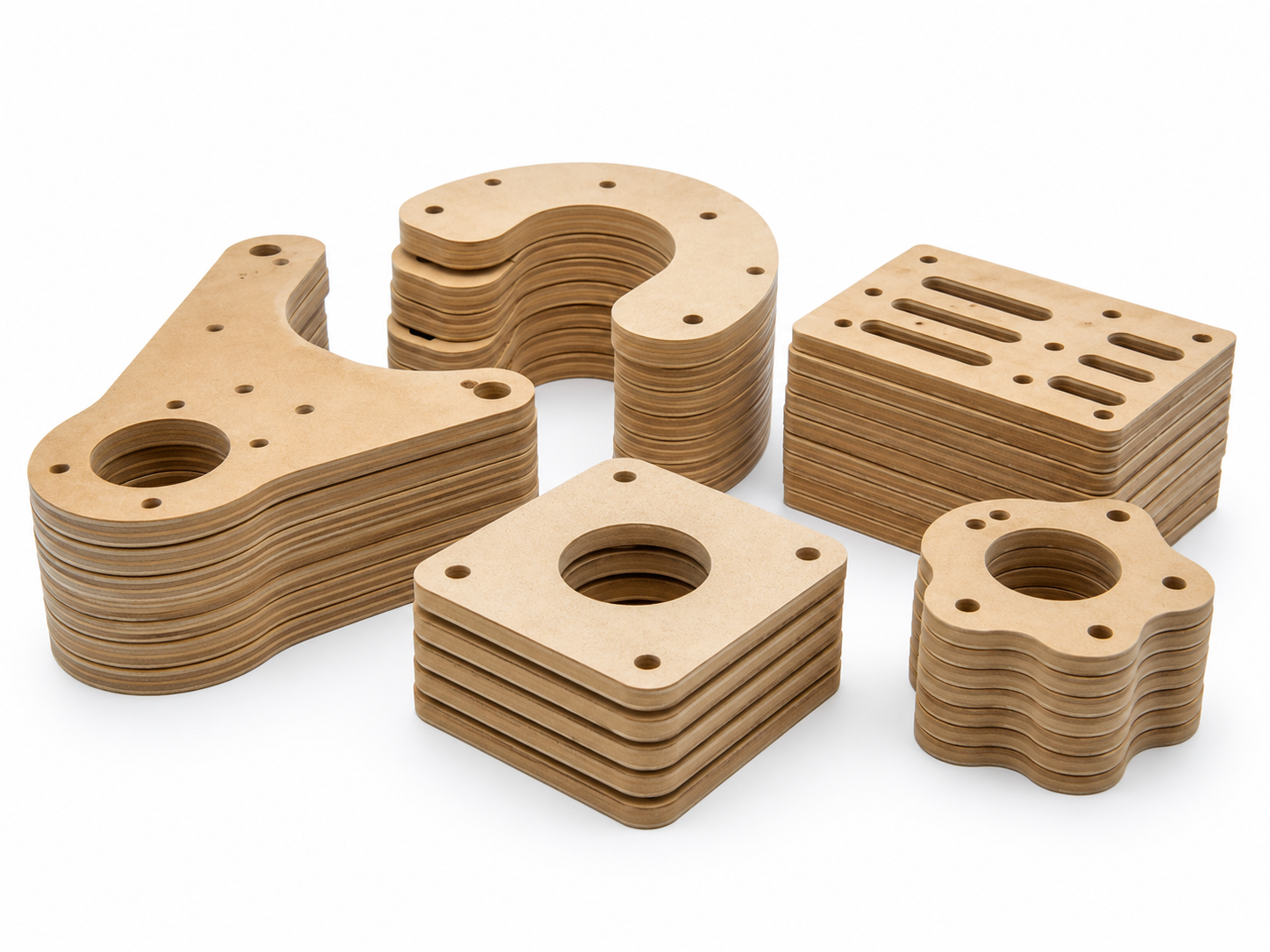
Typical CNC work produced from supplied CAD files
Plywood, MDF and plastic components
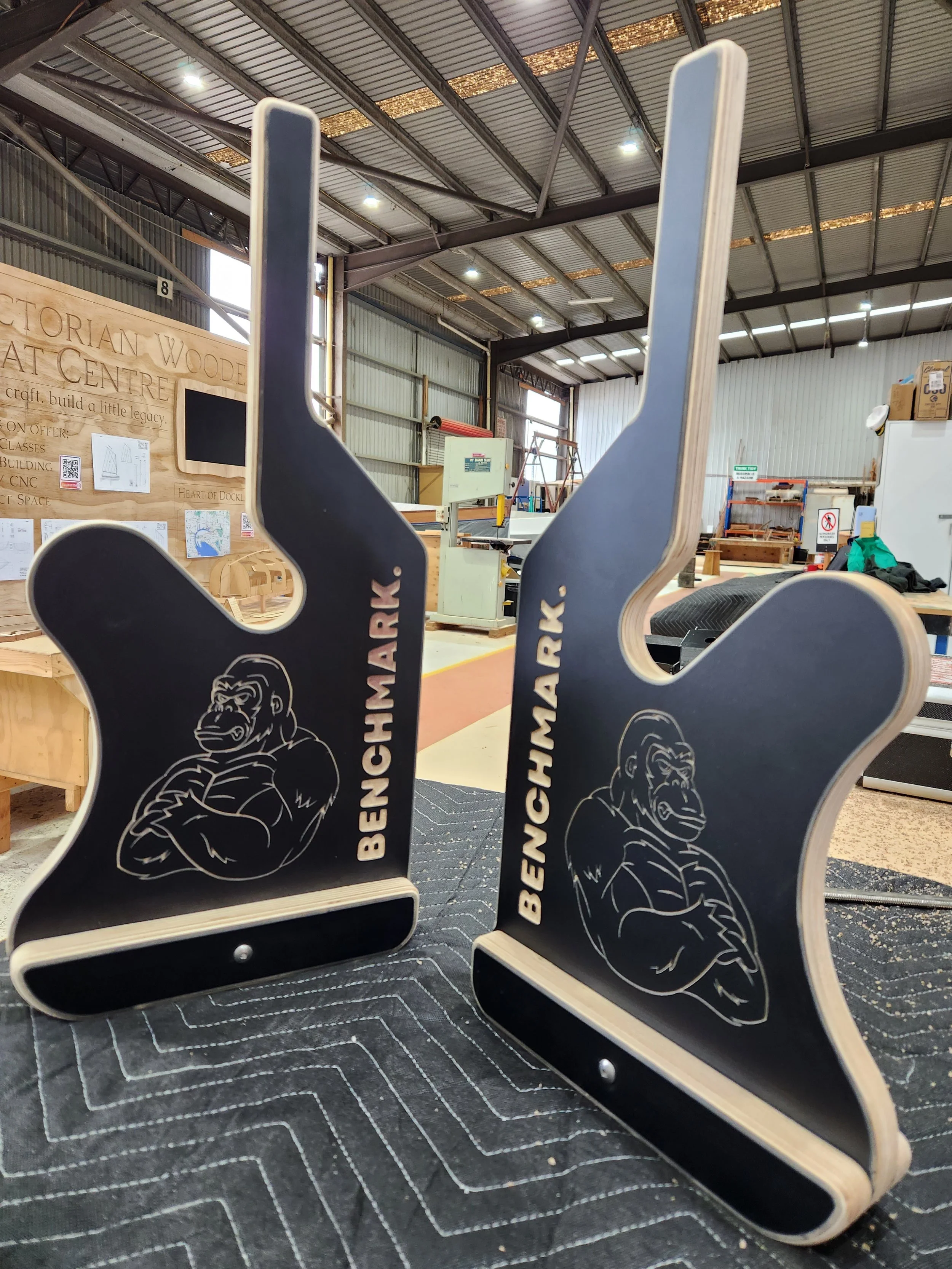
Panels, profiles and production components cut from plywood, MDF, HDPE, acrylic and other suitable sheet materials.
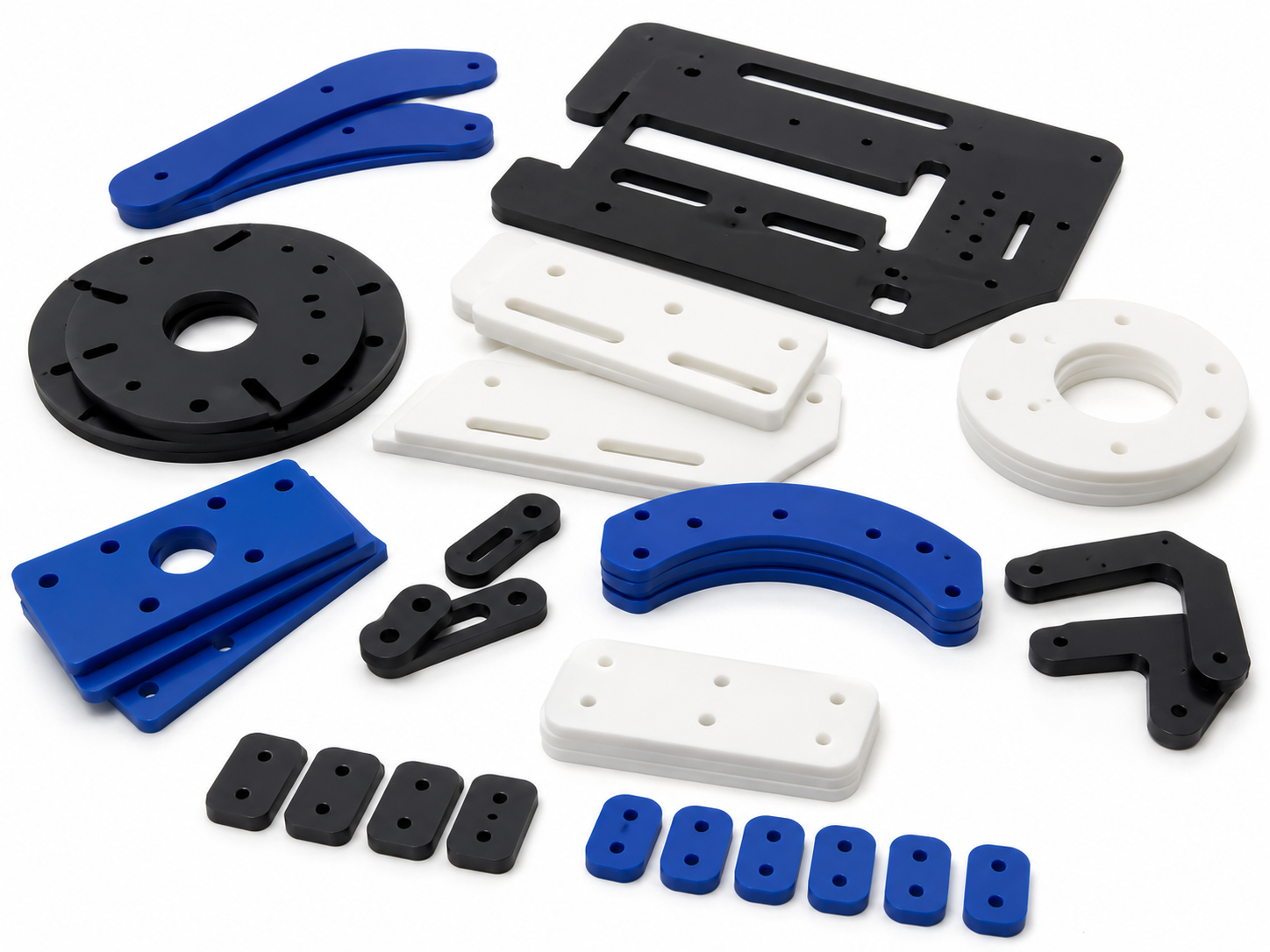
Small batches and repeat parts
Stable production files used to produce consistent components in small batches and future reorders.
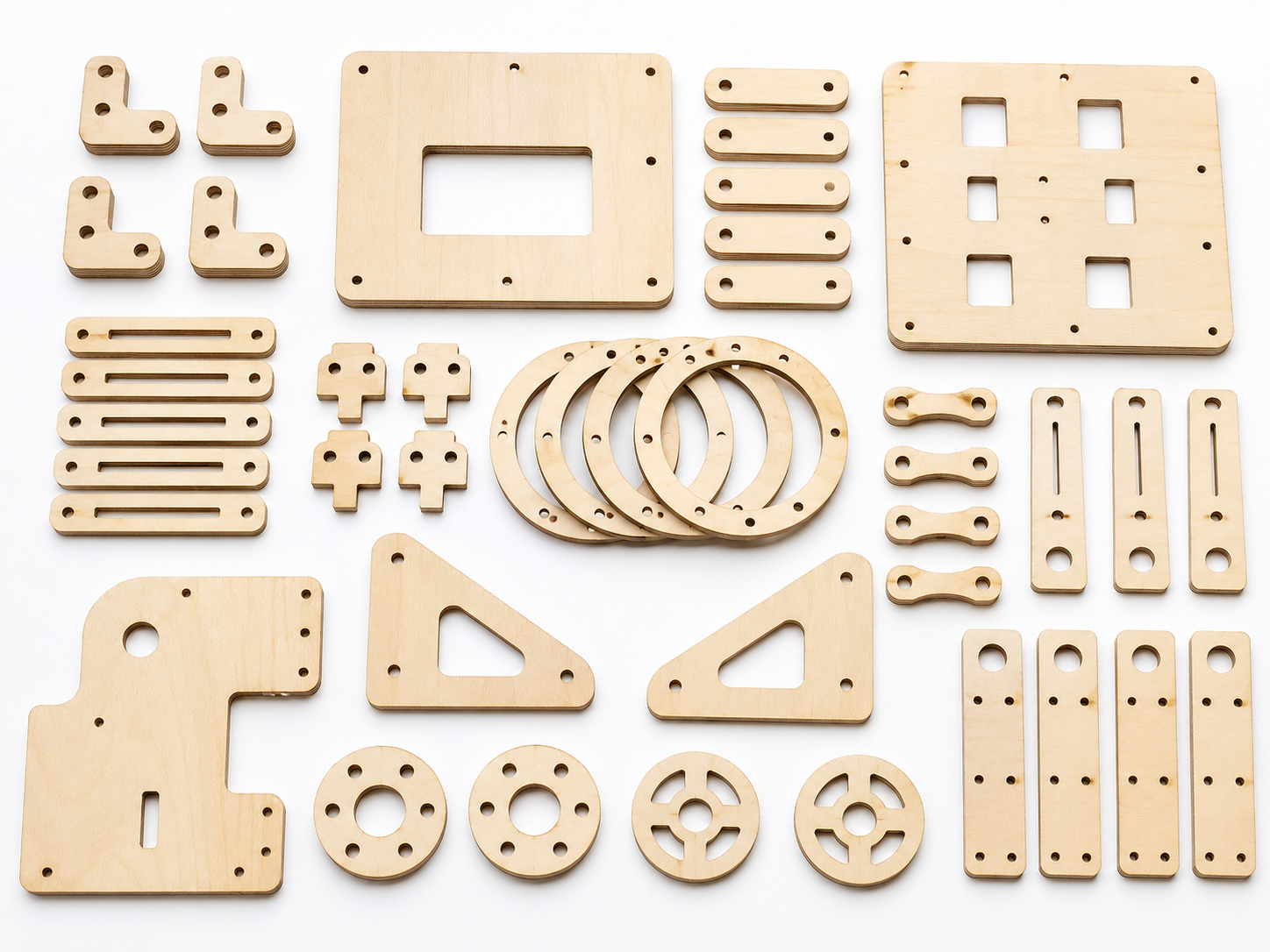
Prototypes and one-off parts
Finished designs reviewed and machined for testing, assembly, final use or later production.
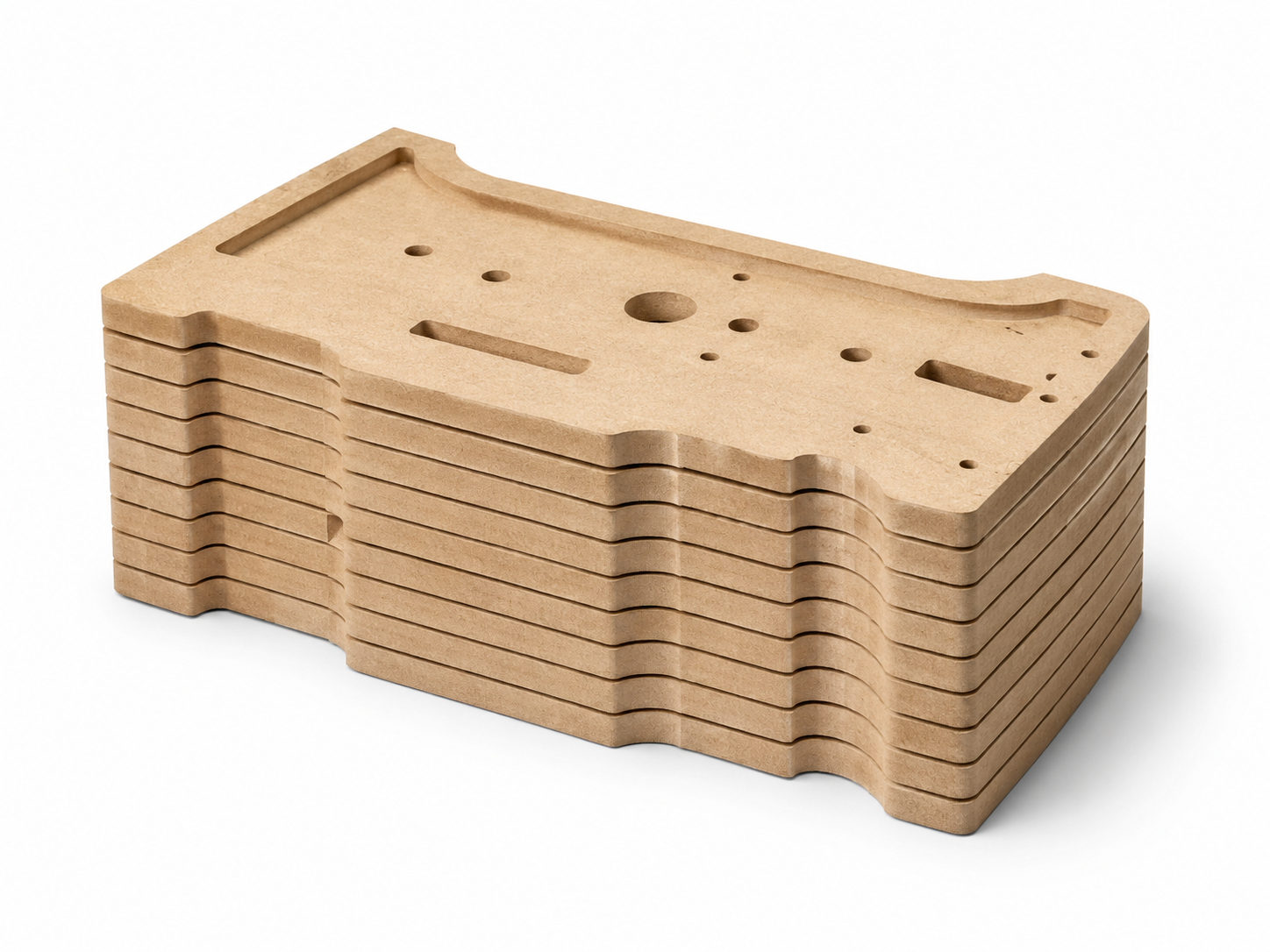
Profiles, pockets and detailed machining
Profiles, pockets, rebates, slots, drilling and engraving produced from clearly marked geometry and machining instructions.
Material thickness, cutting quality and fitted parts
Material type, grade and actual thickness can affect tooling, fit, cutting time and edge finish.
Materials can often be supplied as part of the quote. Customer-supplied material may also be considered by prior arrangement, provided it is suitable for machining and handling.
For fitted joints, slots or tabs, measured material thickness and test cuts may be required. Nominal sheet thickness is not always the same as the thickness of the material delivered.
View Materials
Machine Capabilities
Tolerances & Fits
Questions about CNC cutting from supplied files
-
We review every file before production. A drawing may show the correct shape but still require clarification, geometry cleanup, machining notes, CAM preparation or a test cut.
-
For 2D CNC cutting, DXF is preferred. For 3D CAD work, STEP or STP is preferred. See the file-type guide above for other accepted formats and files requiring CAD conversion.
-
A marked-up PDF or image can help explain the project, but it does not replace the production CAD file. JPG, PNG and TIFF images require separately quoted CAD work before they can be used for CNC cutting.
-
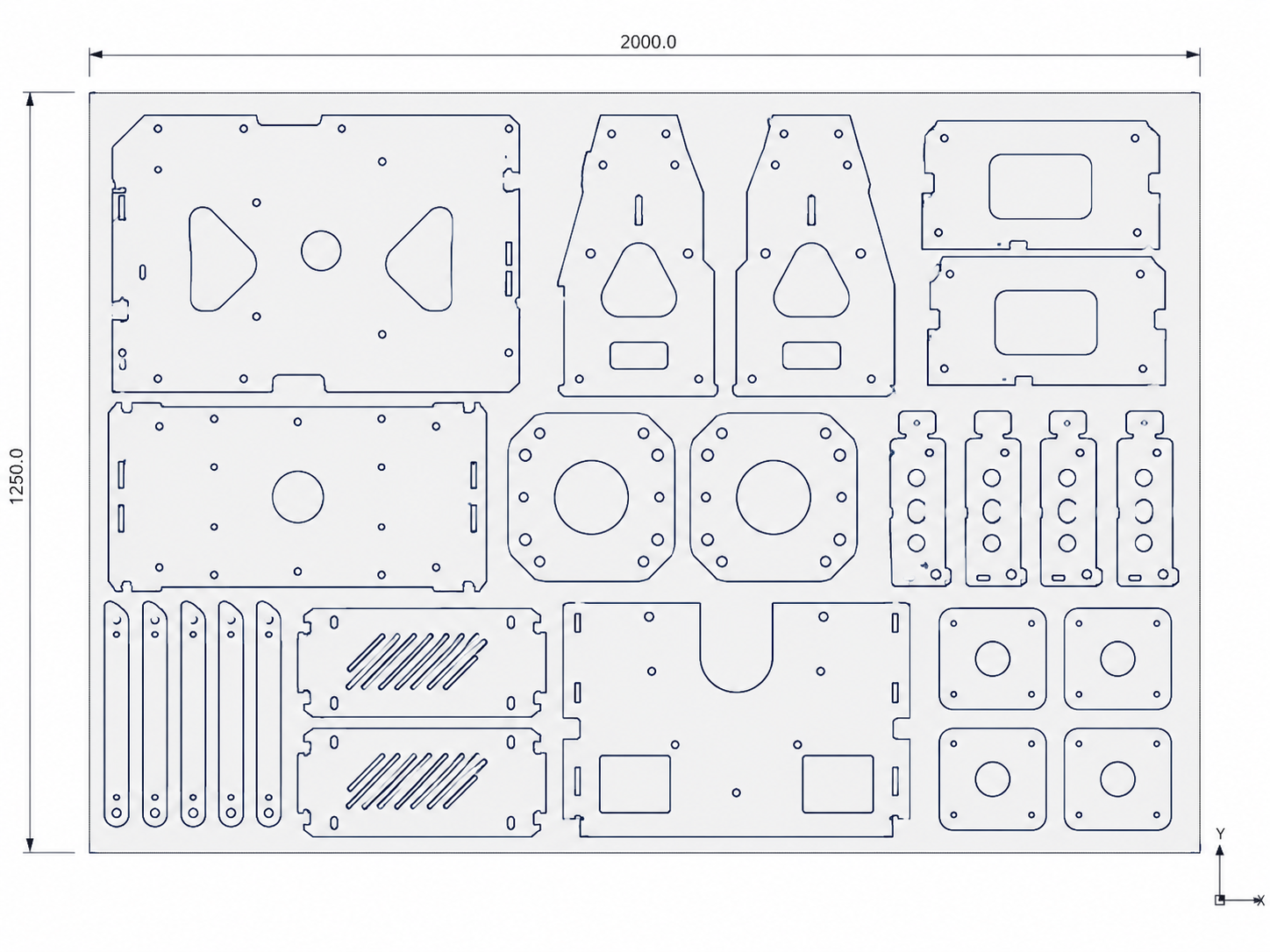
A fully prepared file will normally have the parts nested onto the correct sheet size. Include the required quantities and any grain or face-orientation requirements.
We can also prepare or adjust the nesting as part of the CAM setup, although additional setup time may be charged. All supplied nests are checked before machining.
-
Yes, where the project is suitable. File repair, conversion, redrawing and production development are quoted separately from the cutting.
-
Material can often be included in the quote. Customer-supplied stock may also be accepted by prior arrangement.
-
Suitable one-offs and prototypes are welcome, but setup, programming and minimum job charges still apply.
-
Material thickness, cutter radius and the required fit all affect the result. Fitted joints may require measured material and a test cut before production.
Send your CAD files for a CNC cutting quote
Upload your CAD files and include the material, thickness, part quantities, machining details and required date.
If anything needs explanation, include a marked-up PDF or describe it in the project notes. We will review the information and come back with any questions or a quote.